Controls & Features
Use the arrows or dots below to view each control location and its numbered key. Click to enlarge.
Ignition Switch
Controls power to the engine. The key cannot be removed when in run position.
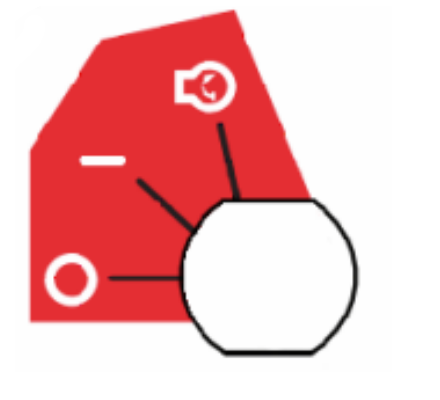
Throttle Control Lever
Controls engine speed. Push lever forwards to increase engine speed. Pull lever backwards to decrease engine speed.
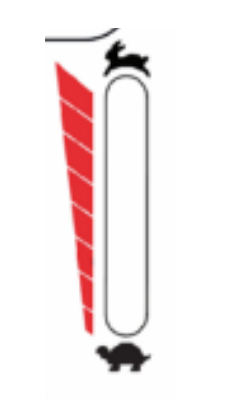
Transport Lock Release Lever
Releases deck from transport position.
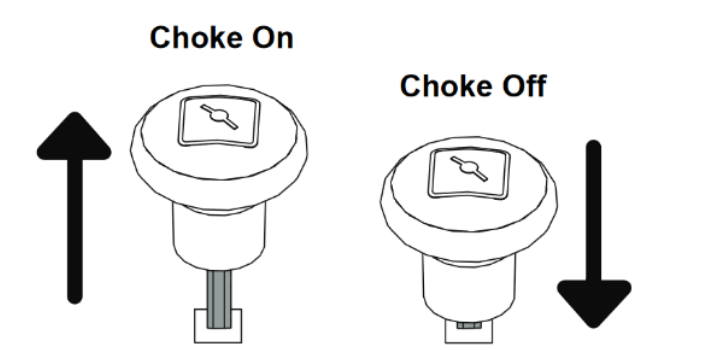
Choke Control Knob
Controls airflow to the engine. Pull knob up to turn on choke and push down to turn choke off.
Deck Lift Pedal
Raises mower deck to change height-of-cut setting or release from transport position.
Height-Of-Cut Adjustment
Sets the height of cut. Push on deck lift pedal, place adjustment pin in desired height-of-cut setting, slowly release deck lift pedal.
Wired E-Stop Button
Works as an emergency stop for the machine. The machine will not turn on with the Wired E-Stop Button engaged. Press Wired E-Stop Button down to engage. Twist Wired E-Stop Button to release.
Steering Levers
Control the direction and speed of the mower. To stop mower, return both steering levers to the neutral position.
Brake Button
Controls the parking brake. Push brake button down (will illuminate green) to release parking brake. Push brake button again to set parking brake (green light will turn off).
ROPS
ROPS must be up in robot mode. To raise rops: Remove hairpins from lock pins and remove lock pins from hinge plate. Then, raise center bar and secure with lock pins and hairpins. To lower rops: Remove hairpins from lock pins and remove lock pins from hinge plate. Then, lower center bar and secure with lock pins and hairpins.
LCD Screen and Action Buttons
Displays status/prompts from the machine that the user can input info using the action buttons.
Power-Take-Off (PTO) Knob
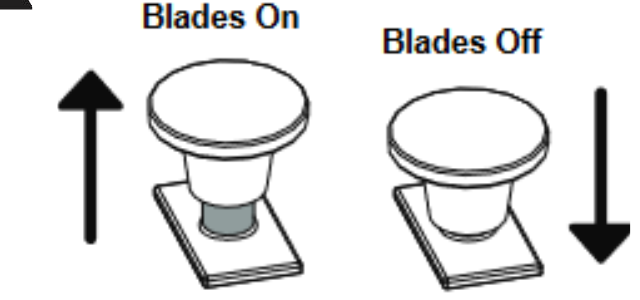
Controls power to the mower blades. Push knob down to turn blades off. Pull knob up to turn blades on. MOWER WILL NOT START WITH PTO KNOB UP.
Blades will not immediately stop after pushing PTO knob down to off position.
Safety Interlock System
Monitors the interaction of various unit features for operator safety.
Robot Power Button
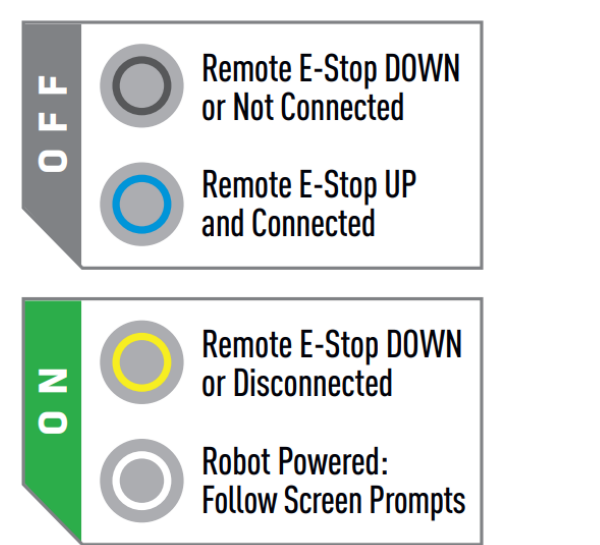
Controls the status of the autonomy system. When Robot Power Button is pressed, the autonomy system will turn on. When the Robot Power Button is raised, the autonomy system will turn off.
Wireless E-Stop Button
Works as a handheld Emergency Stop while the Robot is working in Robotic mode. Press Wireless E-Stop button down to engage. Twist Wireless E-Stop Button to release. Wireless E-Stop Button will be solid red with slow blinking green when not connected. Wireless E-Stop Button will be fast blinking green when connected.
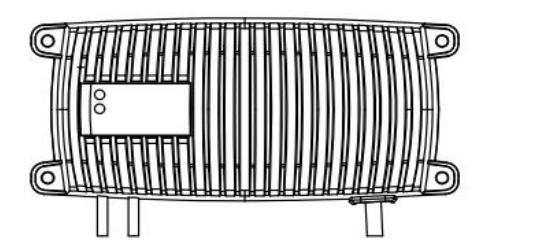
Battery Tender
Charges the machine battery. Plug in battery tender to a powered outlet/extension cord to turn on battery tender.